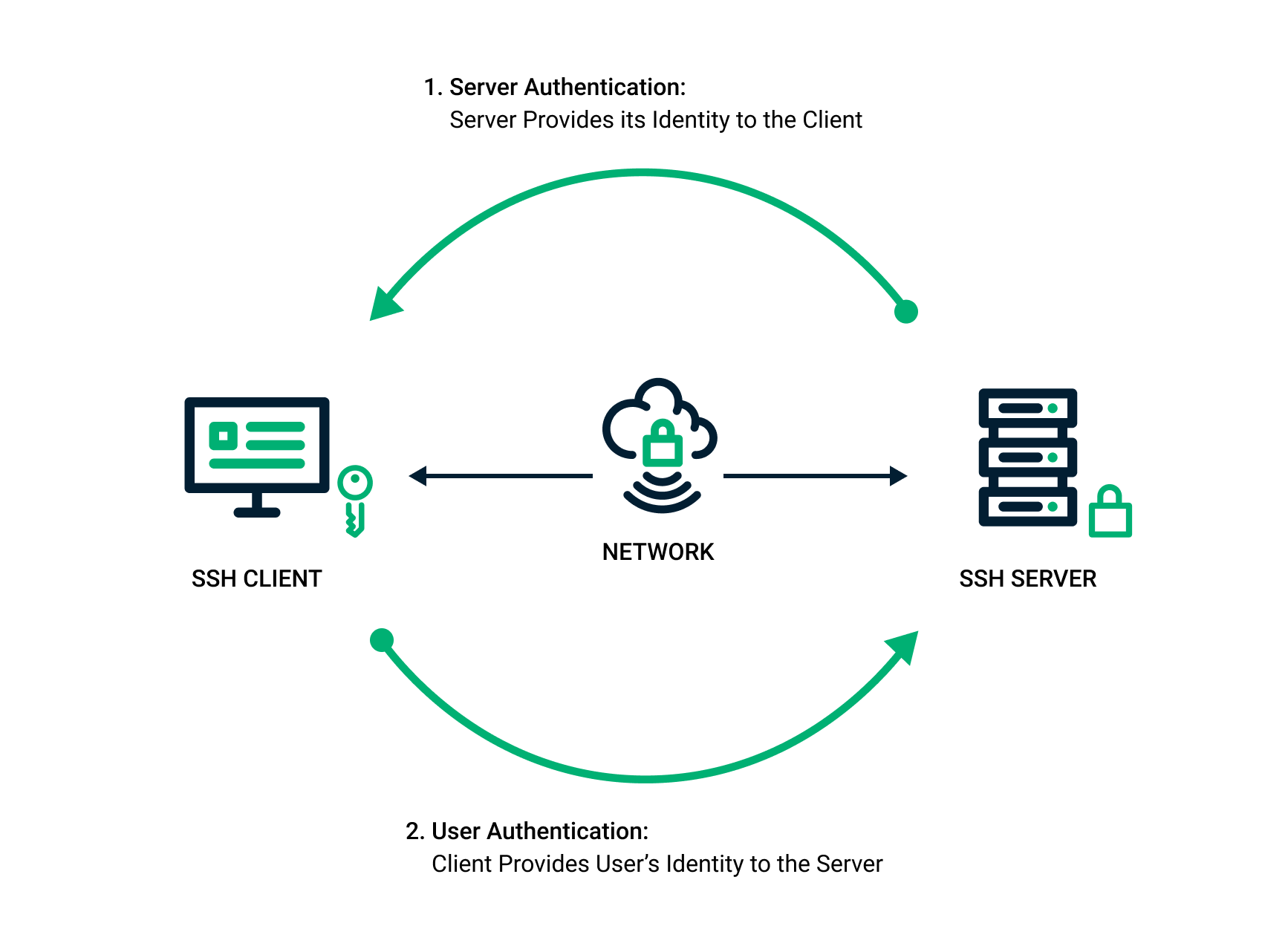

SSH 连接配置总结
1. SSH agent 与密钥管理
1.1 启动 SSH agent
ssh-agent 是一个后台进程,用来管理私钥,并在需要时提供给 SSH 连接进行身份验证。你可以使用 eval "$(ssh-agent -s)" 启动 SSH agent 并将其环境变量关联到当前 shell 会话中。
eval "$(ssh-agent -s)"1.2 加载 SSH 密钥
使用 ssh-add 将私钥添加到 SSH agent 中,以便在 SSH 连接时自动使用:
ssh-add ~/.ssh/id_rsa你可以加载多个密钥,或者通过自动化脚本加载 ~/.ssh/ 目录下的所有密钥。
1.3 保持 SSH agent 会话
启动 SSH agent 并将密钥添加到 agent 中:
eval "$(ssh-agent -s)"
ssh-add ~/.ssh/id_rsa_github1
ssh-add ~/.ssh/id_rsa_github2
在 shell 配置文件中自动启动 SSH agent
nano ~/.bashrc   # 或者如果你使用 zsh
nano ~/.zshrc
在文件末尾加上
# 启动 SSH agent
eval "$(ssh-agent -s)"

# 自动加载所有密钥
for key in ~/.ssh/id_rsa*; do
    ssh-add $key
done~/.ssh/id_rsa*:自动匹配 /.ssh/ 目录下的所有 “id_rsa” 开头的所有私钥文件
这段脚本会自动加载 ~/.ssh/ 目录下的所有私钥,简化了管理多个密钥的过程。
保存并关闭配置文件后,重新加载配置文件:
source ~/.bashrc   # 或者
source ~/.zshrc
1.4 SSH 密钥文件的位置
默认情况下,SSH 密钥位于用户主目录下的 ~/.ssh 目录中。私钥通常命名为 id_rsa 或其他命名约定,公钥通常命名为 id_rsa.pub。
2. ~/.ssh/config 配置文件
2.1 简化 SSH 连接
~/.ssh/config 文件允许你为不同的主机配置特定的设置,例如 SSH 密钥、用户名和端口等。这样,你可以简化连接操作,不需要每次手动指定这些参数。
示例配置:
# GitHub 配置
Host github.com
  HostName github.com
  User git
  IdentityFile ~/.ssh/id_rsa_github

# GitLab 配置
Host gitlab.com
  HostName gitlab.com
  User git
  IdentityFile ~/.ssh/id_rsa_gitlab
2.2 配置多个 SSH 主机
通过为不同主机指定 Host 别名,~/.ssh/config 可以帮助你自动选择合适的 SSH 密钥。例如,当你连接到 github.com 时,SSH 客户端会自动选择 ~/.ssh/id_rsa_github 作为私钥进行身份验证。
2.3 如何在 Git 中使用 ~/.ssh/config
在 Git 操作中,无需显式指定主机名,只需要在远程仓库 URL 中使用 SSH 地址(如 git@github.com:username/repo.git),Git 会自动从 ~/.ssh/config 中选择对应的配置。
例子:
git push origin masterGit 会根据远程仓库 URL 自动选择合适的 SSH 配置(如 github.com 或 gitlab.com),并使用相应的密钥进行身份验证。
3. 多密钥管理
3.1 管理多个 SSH 密钥
如果你需要为多个仓库或多个 Git 账户使用不同的 SSH 密钥,可以在 ~/.ssh/config 中配置多个 Host 设置,或者通过 ssh-add 加载多个密钥。
配置多个密钥的示例:
# GitHub 账户 A
Host github-account-a
  HostName github.com
  User git
  IdentityFile ~/.ssh/id_rsa_account_a

# GitHub 账户 B
Host github-account-b
  HostName github.com
  User git
  IdentityFile ~/.ssh/id_rsa_account_b
然后,你可以在 Git 仓库中设置使用这些别名:
git remote set-url origin git@github-account-a:username/repo.git3.2 自动加载多个密钥
为了避免每次手动加载密钥,你可以将 ssh-add 命令自动化,在 ~/.bashrc 或 ~/.zshrc 中配置脚本来自动加载所有密钥:
for key in ~/.ssh/id_rsa*; do
    ssh-add $key
done
4. 总结
eval "$(ssh-agent -s)"启动 SSH agent,使其可以管理和提供 SSH 密钥。ssh-add用来将私钥添加到 SSH agent 中,便于自动进行身份验证。~/.ssh/config配置文件用于为不同主机设置特定的 SSH 配置(如密钥、用户名、端口等),使得 SSH 连接更加简便。- Git 操作时,不需要显式指定
--hostname,Git 会自动选择正确的 SSH 配置进行身份验证。